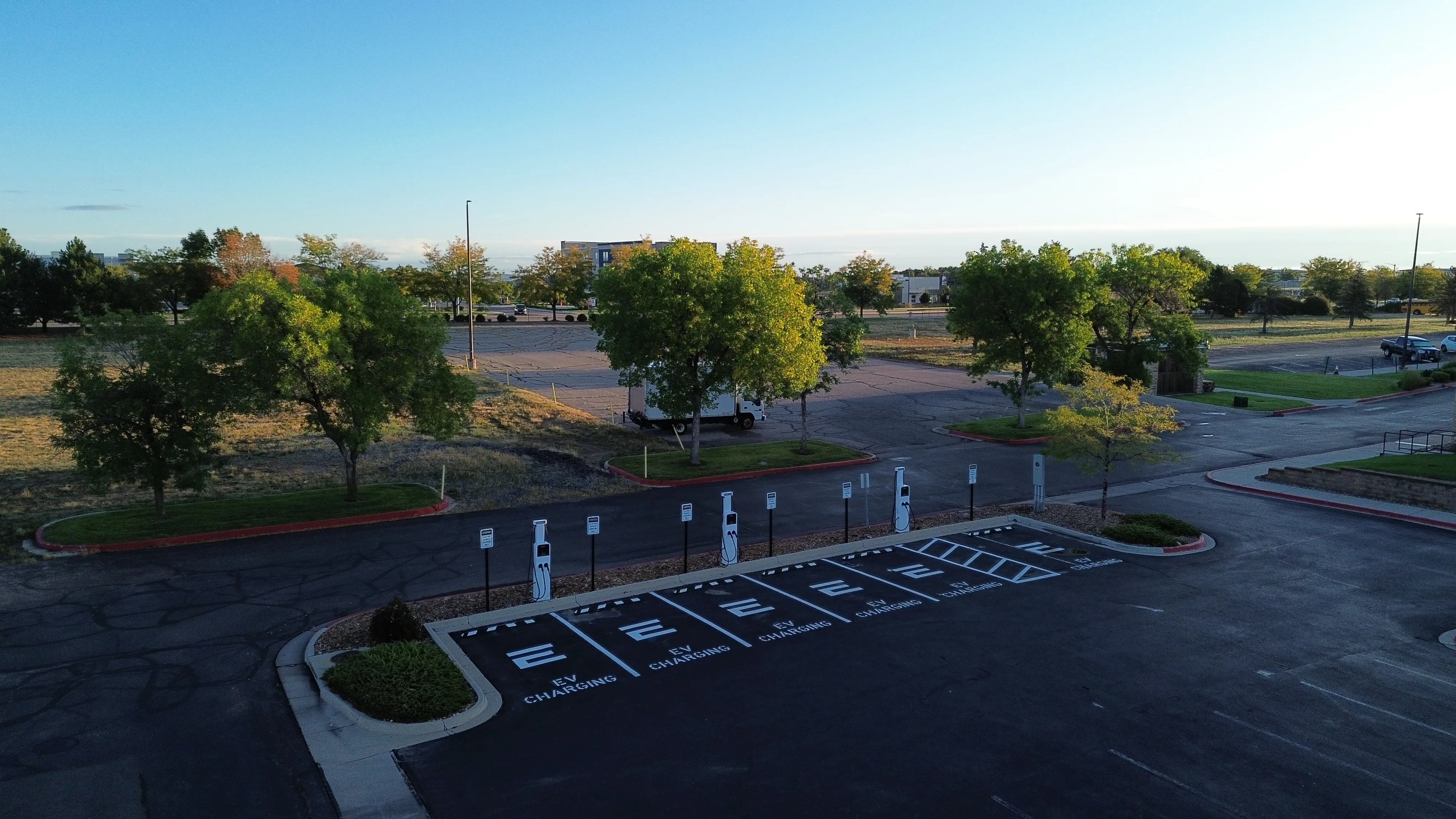
Enertech EV charging stations at a Colorado multifamily property
For EV Drivers

Plug in.
Scan. Charge.

Charging at an Enertech station is straightforward — no app required to get started. Everything you need is on the charger. Here's how it works.

Step by step

How to start a charge

No account needed. No app download required. Just plug in and follow the prompts on the charger screen — it takes about 60 seconds.

Pull into an EV charging space

Look for spaces marked EV Charging in the parking area. Enertech stations are identified by the Enertech logo on the charger pedestal.

Plug in your vehicle

Grab the connector from the charger and plug it into your vehicle's charging port. The charger screen will wake up automatically once the cable is connected.

SAE J1772 connector — fits all non-Tesla EVs. Tesla drivers: use the J1772 adapter that came with your vehicle.

Scan the QR code on the screen

Use your phone's camera to scan the QR code displayed on the charger screen. This opens the Monta web app directly in your browser — no app download required.

If the charger screen is off, press the screen or reconnect the cable to wake it.

Enter payment details

In the Monta web app, enter your payment information to authorize the session. Pricing is shown before you confirm — you'll only be charged for the energy you use.

Charging begins — check your progress anytime

The charger screen shows your session status in real time. If you downloaded the Monta app or created an account, you can also monitor charge progress, view session history, and get a notification when your vehicle is fully charged.

When your session ends, unplug and return the cable to the holster. You're done.

24/7 driver support

Something not working?

Call us any time — day or night. Our support team can diagnose most issues remotely and will get you charging again as fast as possible.

+1 888 895 7158
Available 24 hours, 7 days a week
Had a charging experience? Share feedback →

Before you call

Quick troubleshooting checklist

These steps resolve most issues in under a minute.

  • Unplug and firmly re-seat the cable in your vehicle's charge port — you should hear a click when it's fully connected.
  • Wake the charger screen by pressing it or reconnecting the cable.
  • Re-scan the QR code — the session link expires if left inactive for several minutes.
  • Check that your vehicle's charge port cover is fully open and the port is clean.
  • Still not working? Call us at +1 888 895 7158.

Common questions

Driver FAQ

Quick answers for the most common questions at Enertech charging stations.

No. Scan the QR code on the charger screen after you plug in and you'll be taken to a Monta web app in your browser — no download required. You can download the Monta app if you want charge notifications and session history, but it's not needed to start a charge.
Pricing is shown in the Monta web app before you confirm your session. Rates are set per-site and billed by kWh. You'll always see the rate before you start.
First, make sure your vehicle is plugged in — the charger screen activates when a cable is connected. If the QR code still won't scan, call our 24/7 driver support line at +1 888 895 7158. We'll get you going.
Most unexpected stops are caused by the cable being bumped loose or the vehicle's onboard charger pausing the session (common if the battery is nearly full or if the car went into a sleep mode). Try unplugging and re-plugging the cable. If the issue continues, call +1 888 895 7158 — we monitor all stations remotely and can diagnose the issue in real time.
Call our driver support line at +1 888 895 7158 and we'll sort it out. Billing disputes can also be raised directly through the Monta app or web session — tap "Report an issue" on your session receipt.
Access is set by each property — some Enertech stations are resident-only, while others are open to any driver. Look for signage at the station or contact the property directly to confirm access. If you're unsure, call us at +1 888 895 7158.
This depends on the property's parking rules. At high-demand properties, Enertech stations may have an idle fee that kicks in after your vehicle is fully charged. Check the Monta web app at the start of your session — any idle fee policy will be shown before you confirm.
Monta EV charging network

Powered by Monta

Get more from your charges with the Monta app

You don't need the Monta app to charge — the QR code on the charger gets you going in seconds. But if you charge here regularly, the free app adds a lot.

Monta
EV charging app — free to use
Live charge monitoring
See kWh delivered, charge rate, and estimated time remaining
Session history
Review all past charges, costs, and energy totals
Saved payment method
Start future charges faster — no re-entering card details
Charge complete notification
Get notified when your vehicle reaches your target charge level

Hardware

Autel chargers — built to last

All Enertech sites use commercial-grade Autel charging hardware. Depending on the property, you may see Level 2 or DC fast charging — or both.
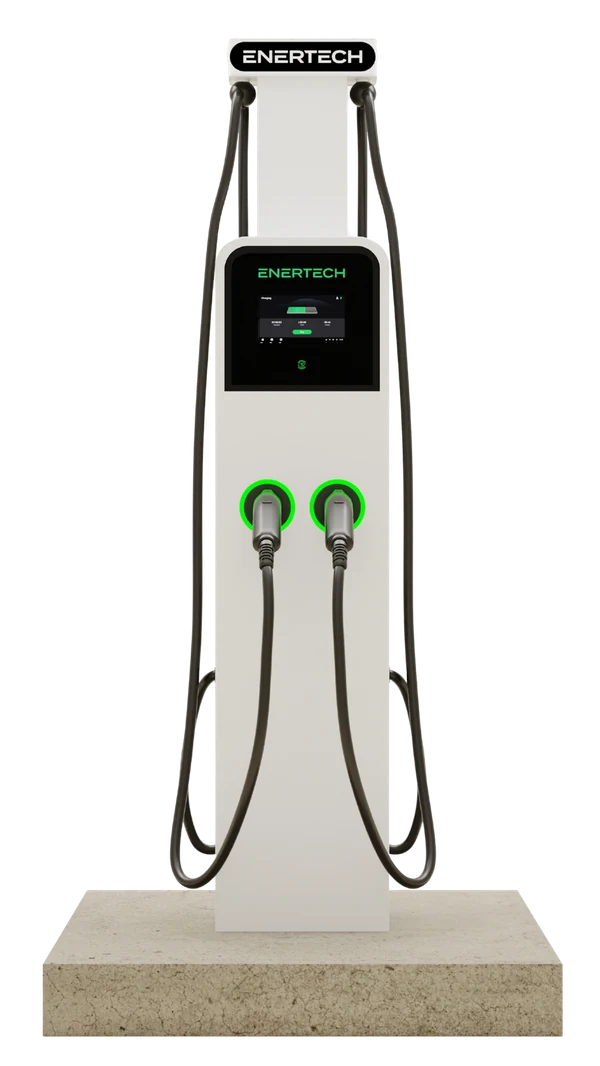
Autel MaxiCharger AC Ultra EV charging station
Level 2 · AC
AC Ultra
Autel MaxiCharger AC Ultra
80A
Max output (amperage)
19.2 kW
Max power output
~30 mi
Range added per hour (avg)
  • SAE J1772 connector standard
  • Networked via Monta — real-time monitoring
  • Overnight charge for most EVs
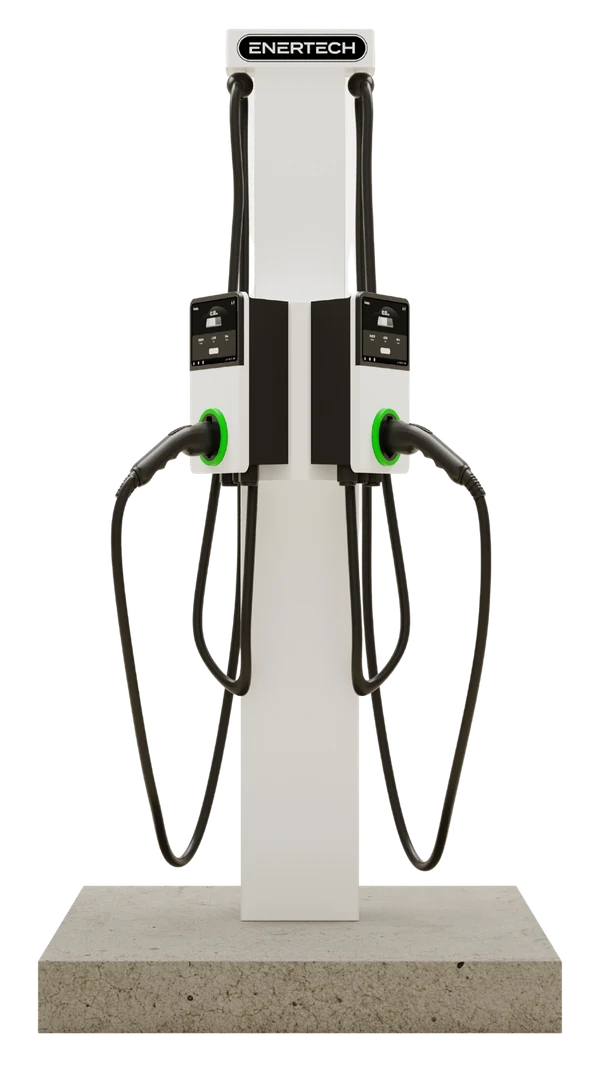
Autel MaxiCharger AC Pro EV charging station
Level 2 · AC
AC Pro
Autel MaxiCharger AC Pro
80A
Max output (amperage)
19.2 kW
Max power output
~30 mi
Range added per hour (avg)
  • SAE J1772 connector standard
  • Touchscreen display with QR code
  • Ideal for overnight residential charging
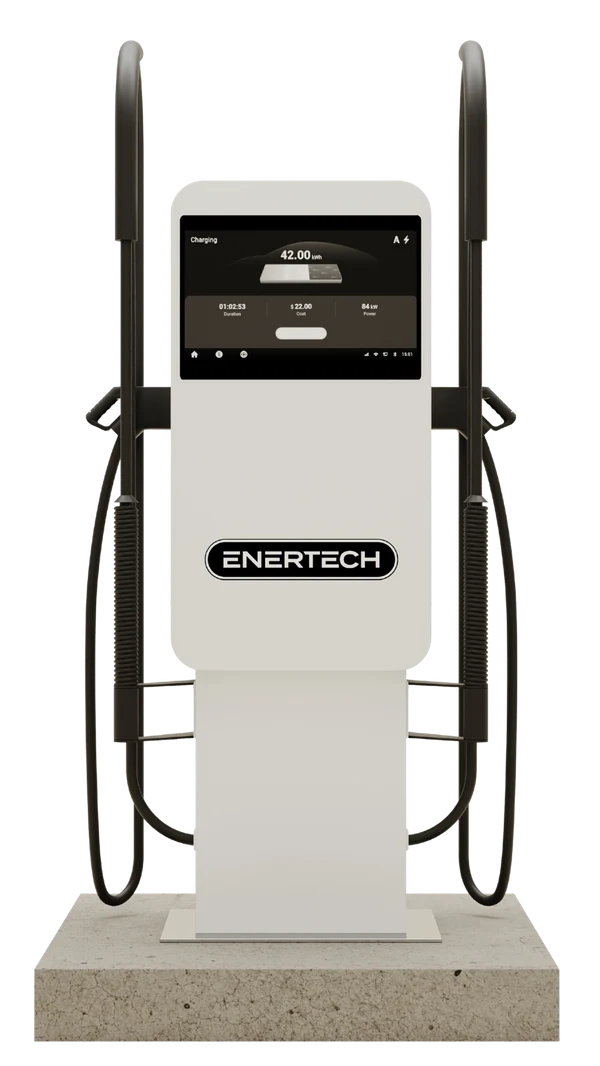
Autel MaxiCharger DC Compact fast charging station
DC Fast Charging
DC Compact
Autel MaxiCharger DC Compact
40 kW
Max power output
~100 mi
Range added per hour (avg)
~45 min
Typical 20–80% charge time
  • Fastest charge available at Enertech sites
  • Not at all properties — check site signage
  • Vehicle must support DC fast charging

Actual charge times vary by vehicle battery size, current charge level, and temperature. These figures are estimates based on average EV efficiency.

Compatibility

What vehicles can charge here?

Enertech Level 2 stations use the SAE J1772 connector — the standard for all non-Tesla EVs sold in North America. Tesla drivers have two options.

All non-Tesla EVs

Chevy, Ford, Rivian, Hyundai, Kia, BMW, Volkswagen, Nissan, Audi, and all other J1772-equipped EVs plug in directly. No adapter needed.

Tesla (with adapter)

Tesla vehicles ship with a J1772 adapter in the charge kit. Use that adapter to connect to any Enertech Level 2 station — it works the same way. NACS adapters may also be available on site.

DC fast charging

Select Enertech sites have DC fast charging. Your vehicle must support DC fast charging (check your owner's manual). Not all EVs do — PHEVs in particular typically cannot use DC fast chargers.

Help us improve

How was your charging experience?

Take 60 seconds to share feedback. We read every response — and as a thank-you, you'll receive 10% off your next charge at any Enertech site.